Tags: close rating
Author
Topic
Viewing 4 replies - 1 through 4 (of 4 total)
Author
Replies
-
Milan Petrovic
KeymasterFebruary 7, 2017 at 12:22 pm #54828Hi,
There is no option to limit rating to a time period. But, if you have your own code implementing the poll, and use the function to render rating block, you can change function parameters to disable the rating if the poll is closed. I don’t know how you have implemented this, but function for rating block allows you to pass ‘disable_rating’ value to the method list of arguments to disable the rating.
Check out the documentation for the functions and arguments to use.
Milan
Dev4Press - Premium plugins for WordPress.
-
alexion
ParticipantFebruary 7, 2017 at 1:47 pm #54829Thnx for quick reply!
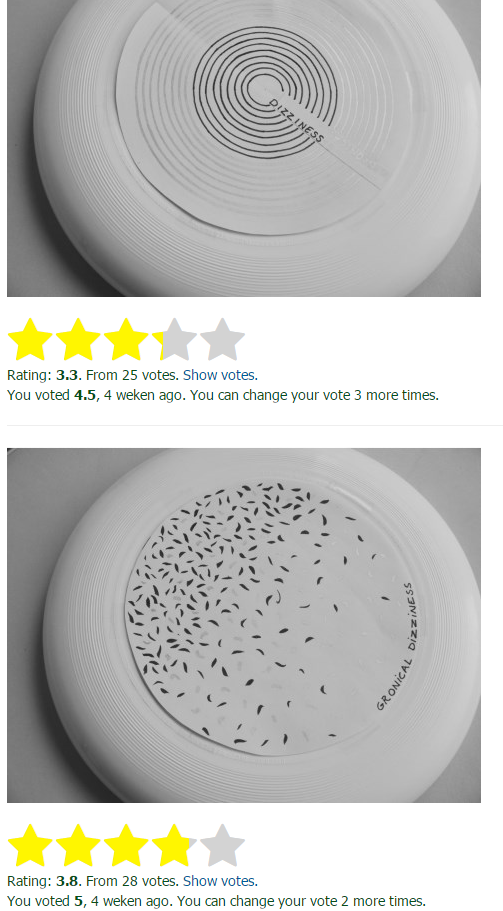
I used it very simple, not using php or other code:
<img class="alignnone size-full wp-image-2275" src="http://gronicaldizziness.nl/images/exaple.jpg" width="474" height="454" /> [gdrts_stars_rating type="posts.image" id=2275 template="expanded" style_size=48 style_type="font" style_font_name="star"]
-
Milan Petrovic
Keymaster -
alexion
ParticipantFebruary 7, 2017 at 5:03 pm #54842That would be awesome :-)
Thumbs up!
Viewing 4 replies - 1 through 4 (of 4 total)
- The topic ‘how to close a rating?’ is closed to new replies.